Technology & tools
How to choose a CRM for a real estate brokerage in the UAE
Generic CRMs don’t know DLD forms, EOIs or split commission. Ten questions to ask any vendor before you move your brokerage’s data into their system.
Moving from Excel and WhatsApp to a CRM touches every employee, and a wrong choice costs months of double work. The catch is that most systems were built to sell generic products and later gained a “real estate module”. This guide helps you tell a system that understands UAE brokerage work from one that needs endless customisation.
Start from how your company works, not from a feature list
Before any demo, write down your client journey: where the lead comes from, who receives it, how the opportunity is recorded, when it becomes a deal, how commission is calculated and the invoice issued. Then ask every vendor to walk through that same journey in their system, with your data rather than their demo data.
Ten questions to ask any vendor
- Does it receive leads automatically from Property Finder, Bayut and dubizzle, from Google and Meta ads, and from your website?
- How does it block duplicates, and does it normalise UAE numbers?
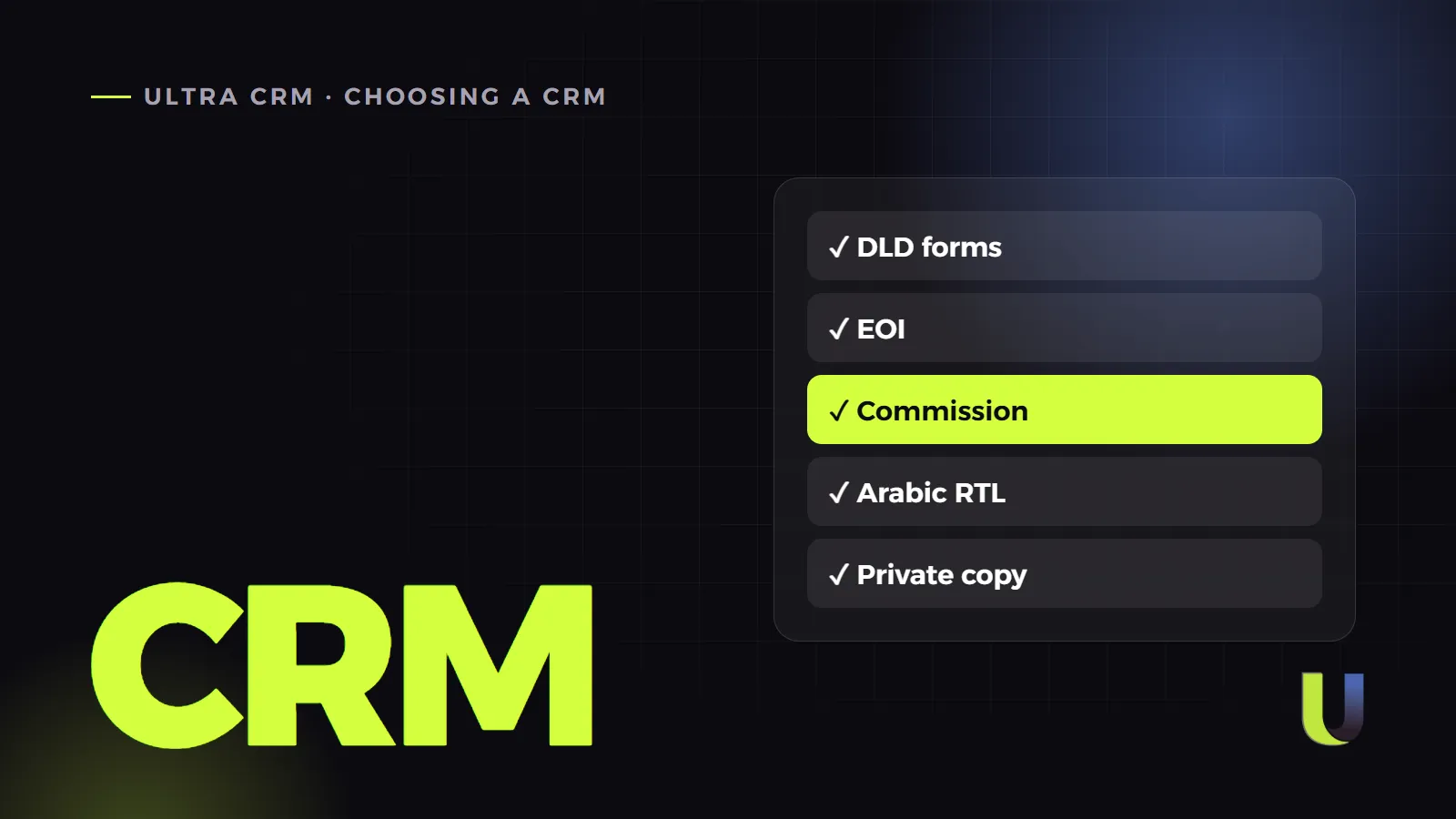
- Are DLD Forms A, B and F ready and filled from your data?
- Does it manage off-plan projects with EOIs, priority numbers and payment plans?
- How is commission split between agents, team leader and external broker, and does it issue a tax invoice?
- Can client numbers be masked from agents, with a log of every reveal?
- Where is our data kept: in a database shared with other companies, or in our own copy?
- Is the interface fully right-to-left Arabic, or a partial translation?
- How do updates arrive, who takes backups, and what happens if an update fails?
- How does the team learn it, and can managers see each employee’s progress?
Security is not a side issue
A brokerage’s client base is its most valuable asset, and the riskiest moment is when an agent leaves for a competitor. Ask plainly: can an agent export the client list? Do they see full numbers? Is every reveal logged? A good system gives each employee only what their work needs and makes two-factor authentication mandatory.
Shared cloud or private copy?
A shared cloud subscription is quick to start, but your data lives with other companies’ data and you depend on the vendor’s terms. A private copy means a system on your own domain and hosting, with a database that is yours alone. Weigh both against your size and how sensitive your data is, and ask about the exit plan: how do you receive all your data if you decide to switch?
Checklist before you sign
- You tried the system yourself, not only through the vendor’s demo.
- You checked the forms and contracts you actually use.
- You understand what the price includes and what is an add-on.
- You agreed a data migration and training plan.
- You know how to get your data back when the contract ends.
Frequently asked questions
How long does a move to a new system take?
It depends on your data and headcount. What matters most is that the team starts with the basics and adds the other stages gradually.
Do we need to move all old data?
Move clients, listings and open deals. The old archive can follow later.
Is an English-only system enough for an Arabic-speaking team?
Usually not. A fully Arabic interface speeds up adoption and reduces mistakes, especially for admin and accounts staff.
Key takeaways
- Choose the system that follows your own client journey.
- UAE forms, EOIs and split commission are core criteria.
- Number masking and a private copy protect your company’s capital.
- Ask about updates, backups and the exit plan before signing.
Try Ultra CRM yourself, or request a quote for your company.