Off-plan sales
Managing EOIs and priority numbers for off-plan launches
Launch day exposes messy EOI spreadsheets: clashing priority numbers, unmatched deposits and waiting clients. Practical steps to organise EOIs from day one to booking.
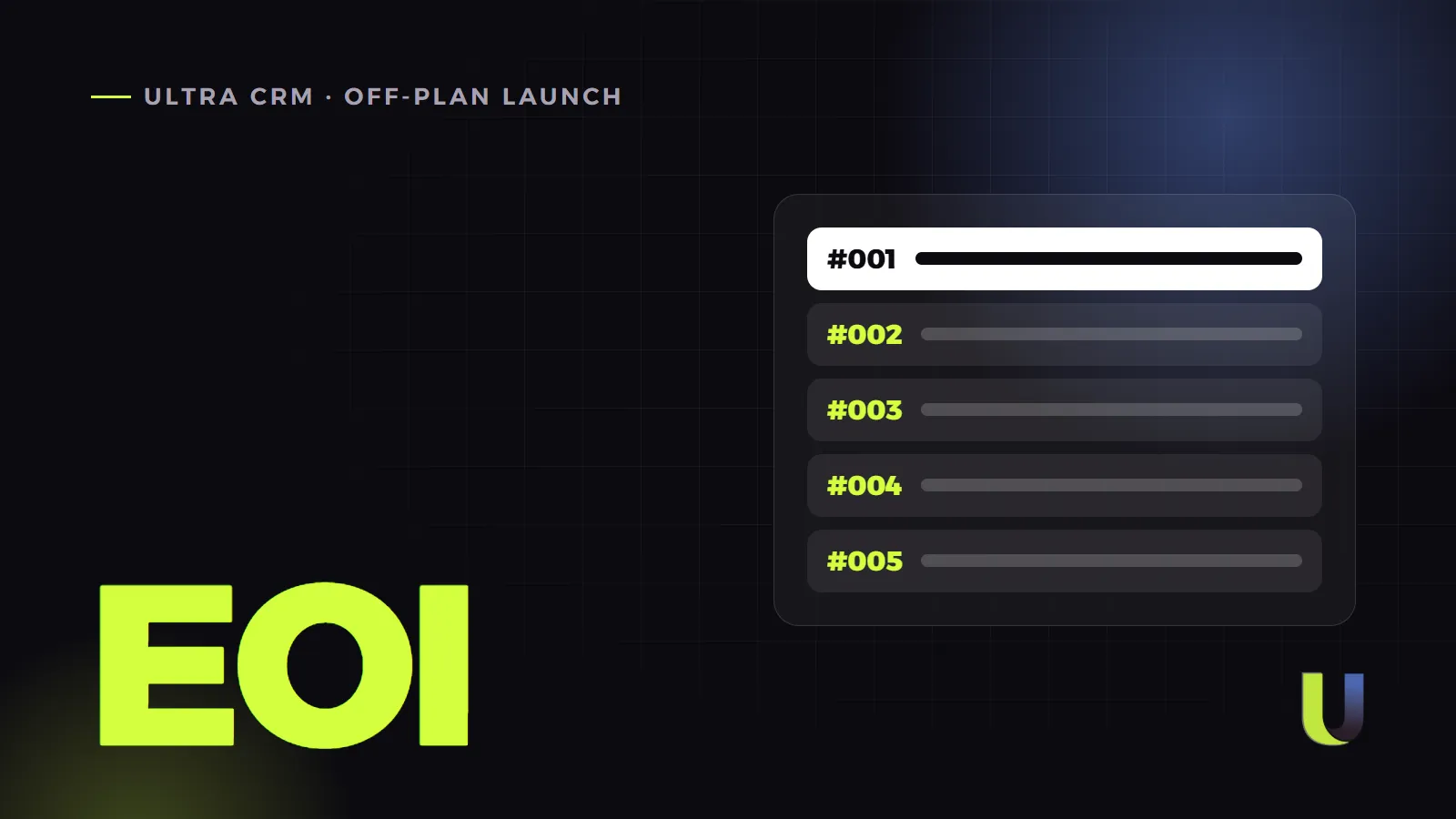
An off-plan launch is one of the most stressful days for any brokerage. Dozens of clients have paid an expression-of-interest amount (EOI), each waiting for their priority number and preferred unit, while the developer wants accurate lists on a tight deadline. When EOIs live in separate spreadsheets across agents, mistakes appear at the worst moment.
What an EOI is, and why it needs a system
An EOI is a client’s preliminary commitment, usually with a refundable amount, in exchange for priority when units are released. Amounts and refund terms are set by each developer, so they must be stored with every EOI. The real value of an EOI is the order: who registered first, who paid, and who chose what.
The most common mistakes
- The same priority number given to two clients in two spreadsheets.
- A payment recorded by accounts but not linked to the right client.
- One client with two EOIs through two different agents.
- Client preferences (bedrooms, floor, view) kept only in a WhatsApp chat.
- The developer list compiled by hand hours before the launch.
Practical steps to organise EOIs
Before the launch
- Create the project once: developer, phases, unit types, payment plan and EOI terms.
- Record every EOI against the client’s own record, not as a row in a sheet.
- Assign the priority number automatically when the payment is confirmed, not when the name is typed.
- Store the client’s preferences inside the EOI.
On launch day
- Export the developer list in priority order with one click.
- Update each EOI live: unit chosen, waiting or withdrawn.
- Convert an EOI that chose a unit into a booking and then a deal without retyping anything.
After the launch
- Follow up refunds for clients who didn’t get a unit.
- Register the booking with the developer and follow the contract’s registration in Oqood with the Dubai Land Department for off-plan sales.
- Forecast each agent’s commission from confirmed deals only.
What the manager needs to see
One board per project showing EOIs, paid EOIs, conversions to bookings and withdrawals, with the agents ranked. These numbers help you negotiate a larger allocation at the developer’s next launch.
In Ultra CRM projects are managed through every stage, with EOIs and priority numbers, payment plans and unit inventory.
Frequently asked questions
Should priority follow registration time or payment time?
Payment time is more accurate, because it is the real commitment. Agree the rule with the developer and apply it to everyone.
What about a client who registered through two agents?
Keep one EOI according to a clear company rule (usually the first registration), and record the decision on the client’s file.
Can the client get the EOI amount back?
That depends on the developer’s terms. Store the terms with every EOI and share them with the client in writing before payment.
Key takeaways
- An EOI’s value is its order, so protect the order from mistakes.
- Link every EOI to the client’s record and payment.
- The developer list should come out of the system, not be compiled by hand.
- Review each launch to negotiate better next time.
See project management in the live demo.